TECHERICS
How to Create an Electronic Signature Free (2 Minutes)
Create an electronic signature free in 2 minutes — draw it or generate a cursive style, download a transparent PNG, and add it to any PDF. No signup, no upload.
Contents
To create an electronic signature, open a free e-signature tool, draw your signature with a mouse, finger or stylus — or type your name and pick a cursive style — then download it as a transparent PNG. That image is your e-signature: paste it onto the signature line of any PDF or document. The whole thing takes about two minutes, needs no signup, and the file never leaves your browser.
The short version: an electronic signature is simply your name or mark applied to a document electronically — a drawn squiggle, a typed cursive name, or a photo of your handwritten signature. It is not the same as a digital signature, which adds cryptographic proof of who signed. For everyday documents — offer letters, NDAs, rental agreements, school forms — a simple e-signature is usually enough. For property sales, wills and court documents, the rules are different, so check before you sign.
Try it now: Create your electronic signature free with the TechErics Electronic Signature Creator — draw it or generate a cursive style, download a transparent PNG, no signup, no upload.
What is an electronic signature?
An electronic signature is any mark made electronically that shows you agree to a document. It can be a signature you draw with a mouse or stylus, a typed name in a cursive font, a photo of your handwritten signature, or even clicking “I agree” on a form.
The key idea is intent: the mark shows that you, the signer, meant to sign. That is why a drawn squiggle counts — it does not need to look like your pen-and-paper signature, and it does not need a certificate. What it does need is a clear link between you and the document, which is why most tools save the signature together with the document, not as a loose image floating around.
How do I create an electronic signature in 2 minutes?
You need nothing except a browser and two minutes. The tool does the whole job on your device — your signature is never uploaded anywhere.
- Open the signature tool. Go to the Electronic Signature Creator. There is no signup and nothing to install.
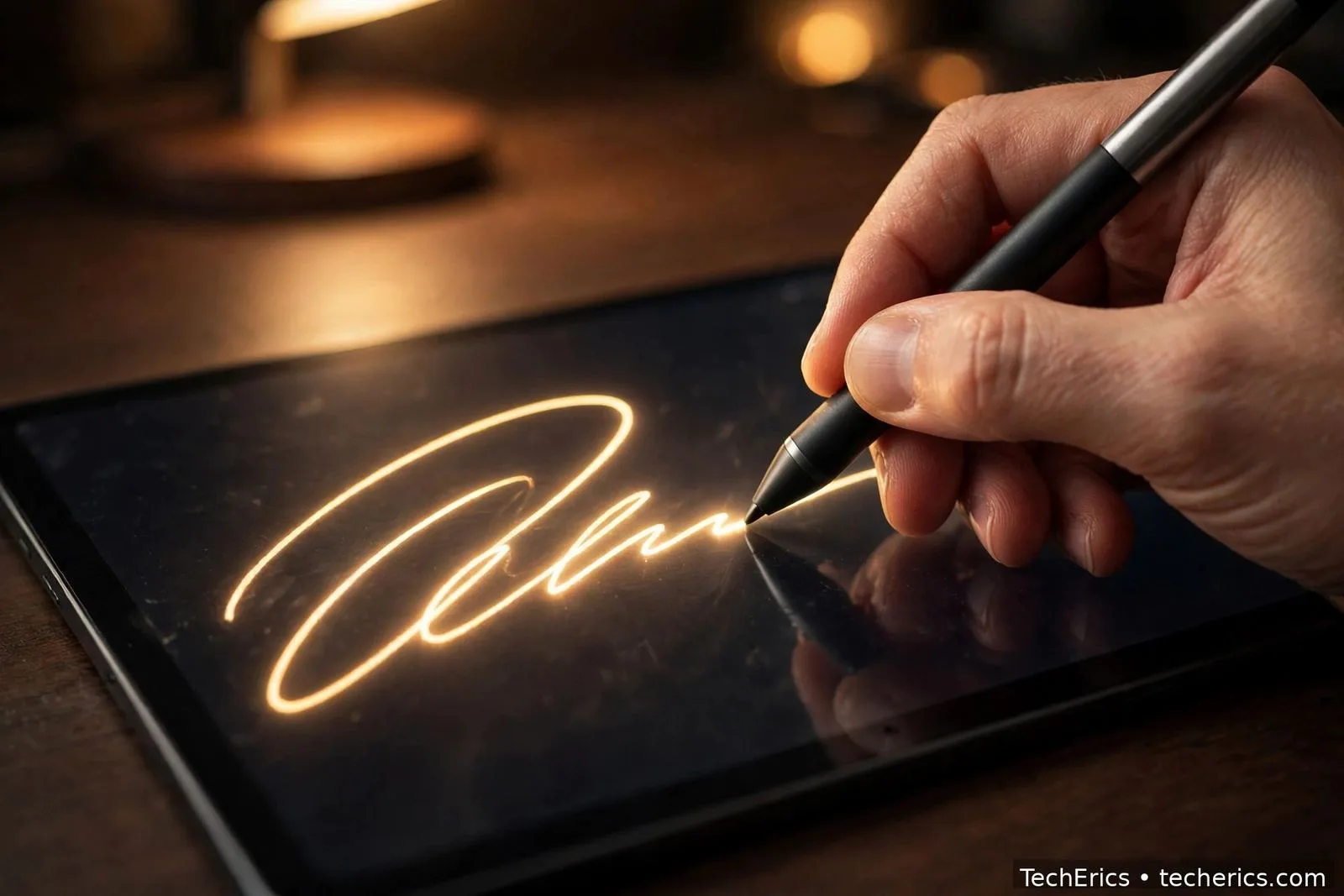
- Draw your signature. Use a mouse, finger or stylus to draw your signature on the pad. Draw it the way you sign on paper — the tool smooths the stroke. If the first try looks wrong, clear it and draw again.
- Or type your name instead. Type your full name and pick a cursive style you like. This is the fastest option, and it works well when you are signing on a phone without a stylus.
- Download the transparent PNG. Save your signature as a PNG with a transparent background. Transparency matters: it lets the signature sit cleanly on a document’s signature line, without a white box around it.
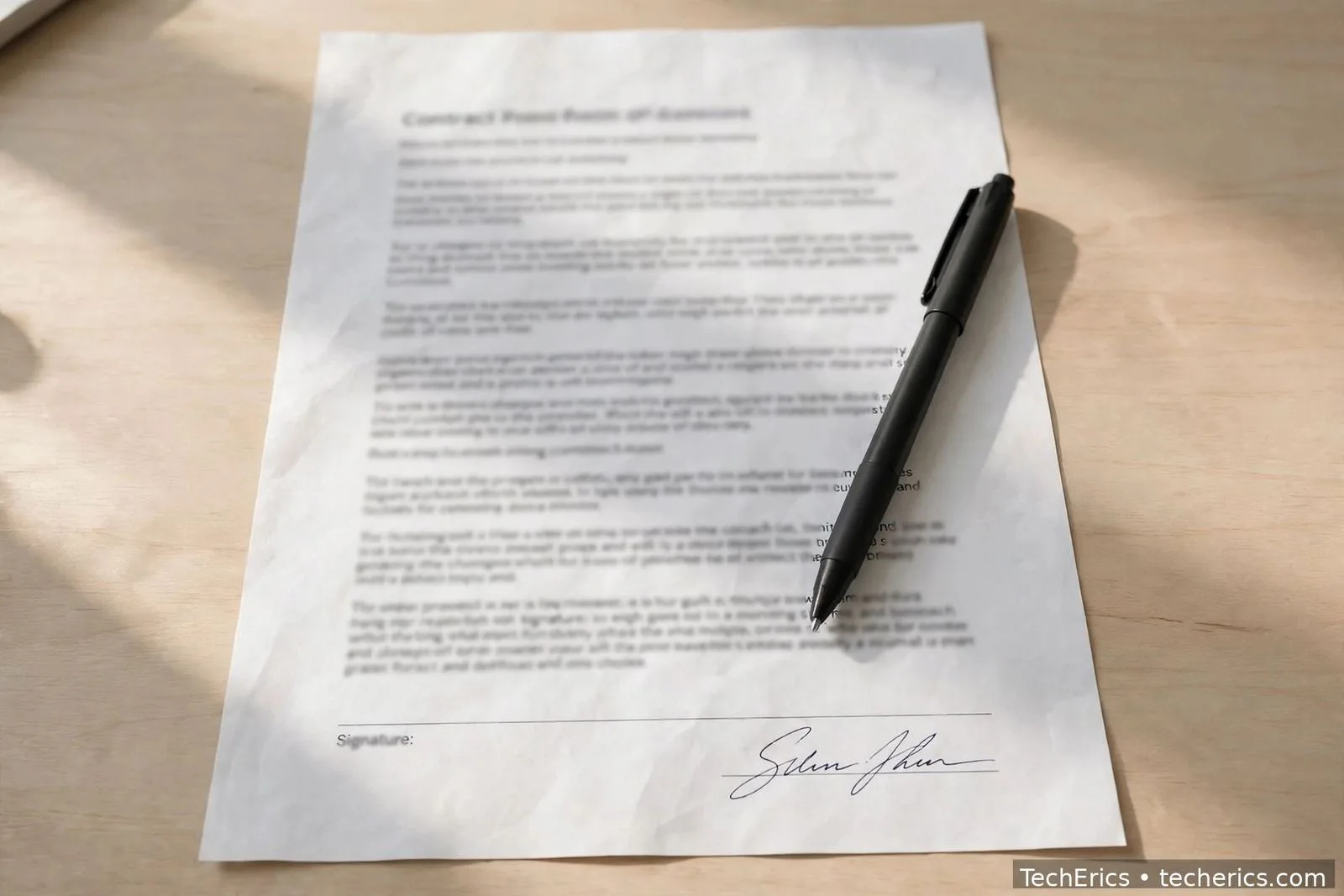
- Paste it onto your document. Insert the PNG onto the signature line of your PDF or Word document, resize it to fit the line, and save. Keep the original PNG file — you will reuse it on the next document.
If you sign PDFs often, keep one master copy of your signature PNG in a folder you can find quickly. Reusing the same signature image keeps your documents consistent, and you never have to redraw it.
Electronic signature vs digital signature — what’s the difference?
People use the two terms as if they mean the same thing. They do not, and the difference matters when a document is disputed.
| Electronic signature | Digital signature | |
|---|---|---|
| What it is | A mark showing intent to sign — drawn, typed or pasted | An e-signature plus cryptographic proof (a certificate) |
| What proves it | The mark itself, plus context (email, audit trail) | A digital certificate that verifies the signer’s identity |
| Tamper evidence | None on its own — the file can be changed after signing | Yes — changing the document after signing breaks the seal |
| Best for | Everyday agreements, forms, offer letters, NDAs | High-value contracts, government filings, regulated documents |
| Cost | Free | Usually paid, needs a certificate authority |
For most everyday signing, an electronic signature is enough. When the stakes are high — a large contract, a regulated filing, a document that might end up in court — use a digital signature from a licensed provider, because it carries proof a plain image cannot.
Are electronic signatures legally valid?
Yes, in most countries — but with limits you should know. This is general information, not legal advice, and the rules for property, wills and court documents are different.
- United States: the ESIGN Act of 2000 (15 U.S.C. §7001) says an e-signature cannot be denied legal effect solely because it is electronic. UETA, the state-level counterpart, has been adopted in 49 states.
- European Union: the eIDAS Regulation (EU) No 910/2014, Article 25, sets the same rule. It defines three tiers — simple, advanced and qualified — and a qualified e-signature has the legal effect of a handwritten signature.
- India: the IT Act 2000 (sections 3, 3A, 5 and 10A) recognises e-signatures. But the First Schedule excludes wills, trusts, powers of attorney, negotiable instruments, and the sale or conveyance of immovable property. Those documents follow different rules — never sign them with a plain e-signature image without checking first.
The practical rule: for routine business and personal documents, an e-signature is fine. For wills, property sales, powers of attorney and court filings, ask a lawyer or use the formal signing process the law requires.
How do I add my electronic signature to a PDF?
Once you have the transparent PNG, adding it to a PDF takes a minute. The exact clicks depend on your tool, but the steps are the same everywhere:
- Open the PDF in any PDF editor or in the browser-based tool you use for PDFs.
- Insert the image onto the signature line. Use the “add image” or “insert signature” option — do not paste it as a comment or annotation that can be moved by accident.
- Resize it to fit the line. Your signature should sit on the line the way a pen signature would — not floating above it, not spilling into the text below.
- Save a new copy. Save the signed PDF under a new name and keep the unsigned original. If you need to merge this PDF with others later, sign after merging, not before — merging can strip signatures.
If you have several PDFs to combine into one file first, use the PDF Merge Tool and sign the merged file — see how to merge PDF files online free.
How do I keep my electronic signature safe?
Your signature image is a copy of your identity, so treat it like one. Three habits cover almost all of the risk:
- Store it in one place only. Keep the PNG in a single folder on your own device, not scattered across downloads folders, email attachments and cloud drives.
- Do not share the raw file. Send signed documents, not the signature image itself. Anyone with the PNG can paste it onto any document.
- Use it only where you mean to sign. Never paste your signature onto a blank page or a document you have not read. A signature on a blank page can be copied onto anything.
If you think your signature image has leaked — for example, you emailed the PNG by mistake — change how you sign: redraw a slightly different version and stop using the old one. You cannot “revoke” an image, but you can make the leaked copy useless by switching to a new one and keeping the new file private.
Create your electronic signature free — Electronic Signature Creator. Draw it or generate a cursive style, download a transparent PNG, no signup, no upload.
Frequently asked questions
How do I create an electronic signature for free?
Open a free in-browser signature tool, draw your signature with a mouse, finger or stylus — or type your name and pick a cursive style — then download it as a transparent PNG. The Electronic Signature Creator does this in about two minutes with no signup and no upload.
Is a typed name a valid electronic signature?
Yes, in most everyday cases — a typed name in a cursive style counts as an electronic signature where the law recognises e-signatures, because what matters is your intent to sign. For high-value or regulated documents, a typed name carries less proof than a drawn signature or a certificate-backed digital signature.
Can I use an electronic signature on a PDF?
Yes. Download your signature as a transparent PNG, insert the image onto the PDF's signature line, resize it to fit, and save a new copy of the file. Sign the final version of the document — merge or edit first, sign last.
Are electronic signatures legal in India?
Yes, the IT Act 2000 recognises e-signatures. But the First Schedule excludes wills, trusts, powers of attorney, negotiable instruments and the sale of immovable property — those need the formal process the law prescribes. This is general information, not legal advice.
What's the difference between an e-signature and a digital signature?
An e-signature is a mark showing you agreed — drawn, typed or pasted. A digital signature is an e-signature plus a cryptographic certificate that proves who signed and shows if the document was changed afterwards. Everyday documents usually need only an e-signature; high-value and regulated documents need a digital signature.