TECHERICS
Passport Photo Size Guide: Rules for Every Country
Passport photo size by country — US 2x2 inch, UK 35x45 mm, India route-wise rules, pixels at 300 DPI, and how to make one free in your browser.
Contents
There is no single worldwide passport photo size. The US and Indian missions abroad want a 2×2 inch (51×51 mm) photo, the UK and Schengen countries want 35×45 mm, Canada wants 50×70 mm, and Australia accepts a range of 35–40 × 45–50 mm. Before you print or upload, check the exact size, head height and file limits for the country you are applying to — a wrong size is one of the most common reasons a passport photo gets rejected.
The short version: passport photo size depends on the country. The two sizes you will meet most often are 2×2 inch (51×51 mm) and 35×45 mm — they are not interchangeable. The photo must also be recent (usually taken within the last 6 months), in colour, on a plain light background, with a neutral expression and both eyes open. The fastest way to get the size right is to crop your photo to the exact dimensions with a free in-browser tool and print it on a 4×6 sheet.
Try it now: Make your passport photo free with the TechErics Passport & ID Photo Maker — crop to 2×2 inch or 35×45 mm, get a printable 4×6 grid sheet, no signup, no upload.
What is the standard passport photo size?
There is no one standard size — but two sizes cover most of the world. The 2×2 inch (51×51 mm) square is used by the United States and by Indian missions abroad, while 35×45 mm is used by the UK, Schengen visa applications and most European countries. Canada uses a taller 50×70 mm photo, and Australia accepts a range rather than one exact size.
The size matters because passport systems measure your head, not just the photo. Every country also specifies a head height (chin to crown), and if your head is too big or too small in the frame, the photo fails even when the outer dimensions are right. That is why cropping to the exact millimetres — not roughly, and not by eye — is worth doing.
| Country / use | Photo size | Head height (chin to crown) | Official source |
|---|---|---|---|
| United States | 2×2 in (51×51 mm) | 25–35 mm | travel.state.gov |
| United Kingdom | 35 mm wide × 45 mm high | 29–34 mm | gov.uk |
| Schengen visa | 35×45 mm | Face 70–80% of photo height | EU Visa Code / ICAO Doc 9303 |
| Canada | 50 mm wide × 70 mm high (2 × 2¾ in) | 31–36 mm | canada.ca |
| India — via missions abroad | 51×51 mm (2×2 in) | 25–35 mm | Indian consulates/embassies |
| India — in India | PSK captures the photo on-site; paper-form box is 35×45 mm | — | Passport Seva instruction booklet |
| Australia | 35–40 mm wide × 45–50 mm high (a range) | 32–36 mm | passports.gov.au |
35×45 or 2×2 — which size do I need for an Indian passport?
It depends on where you apply, and this is the confusion that causes the most rejected photos in India. Both sizes are real — they belong to different routes.
If you apply through an Indian mission abroad — a consulate or embassy outside India — the photo must be 2 inch × 2 inch (51 mm × 51 mm), in colour, with the head 25–35 mm from chin to crown. This is the published requirement of Indian consulates in Frankfurt, The Hague and Belgrade, and the digital file must be 20–100 KB, between 350×350 and 1000×1000 pixels.
If you apply inside India through Passport Seva, you usually do not need to bring a printed photo at all — the photo is captured at the counter in the Passport Seva Kendra (PSK) or Post Office PSK. For paper-form applications, the photo box on the form is 35×45 mm (4.5 cm high × 3.5 cm wide), as per the Passport Seva instruction booklet.
So the rule is simple: applying from outside India, use 51×51 mm; applying inside India, let the PSK take your photo, and use 35×45 mm only where a form asks for a pasted photo. The 35×45 mm size is also the generic “passport-size photo” used for Indian voter ID cards, mark sheets and government forms — which is exactly why the two sizes get mixed up.
What are the pixel and file-size requirements?
Millimetres decide the print; pixels decide the upload. At 300 DPI — the print quality most photo services use — the sizes convert like this (calculated from the millimetre sizes, not quoted from a tool):
| Photo size | Pixels at 300 DPI |
|---|---|
| 35×45 mm | 413×531 px |
| 51×51 mm (2×2 in) | 600×600 px |
| 50×70 mm | ~591×827 px |
File-size limits are set by each country’s portal, and only two were verified for this guide: India digital uploads must be 20–100 KB in JPEG, between 350×350 and 1000×1000 pixels; UK digital photos must be 50 KB–10 MB and at least 600×750 pixels. Do not assume a limit for any other country — check its official portal before uploading, because an oversized file is rejected before a human ever sees it.
If your photo file is too large for the portal, shrink it first with the Image Compressor — it runs in your browser, so your photo is never uploaded to a server.
How do I take a passport photo at home?
You can take a compliant passport photo at home with a phone, as long as you follow the rules most countries share. The photo must be recent (taken within the last 6 months), in colour, with a plain light background, and your face must be straight to the camera with a neutral expression and both eyes open.
- Find a plain light background. Stand about half a metre in front of a plain white or off-white wall. Avoid shadows on the wall behind you — step away from it and face a window for soft, even light.
- Set the phone at eye level. Prop the phone on a shelf or tripod at your eye height, about 1.5 metres away. Do not take a selfie at arm’s length — the wide-angle lens distorts your face.
- Look straight at the camera. Keep a neutral expression: mouth closed, eyes open, no smiling, no frowning. Remove glasses if they cause glare, and keep your hair off your face and forehead.
- Crop to the exact size. Open the Passport & ID Photo Maker, upload your photo, pick your country’s size (2×2 inch or 35×45 mm), and let the tool crop it to the exact dimensions.
- Check the result before you print. The head should fill the frame the way the table above says, the background should be plain, and the image should be sharp — not blurry, not overexposed.
One honest note: a home photo is fine for most applications, but some countries (Canada, for example) ask for a photo taken by a commercial photographer, and Australia does not recommend online photo services or apps for passport photos. Check your country’s rule before you rely on a home photo.
How do I print passport photos on a 4×6 sheet?
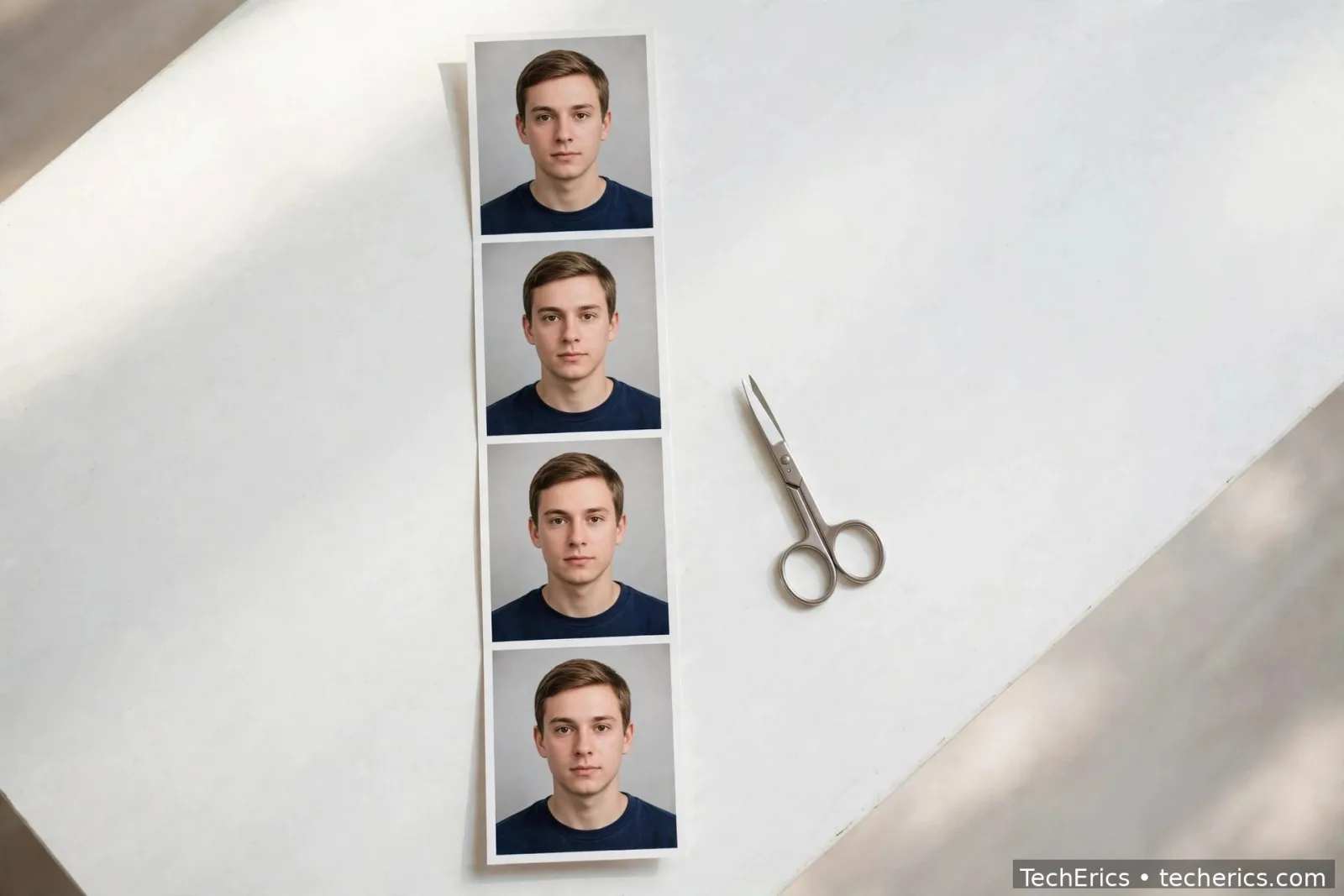
A 4×6 inch photo sheet (101.6×152.4 mm) usually fits 6 prints of a 35×45 mm photo — 2 across and 3 down. Print shops vary slightly in margins, so treat 6 as the usual number, not a guarantee.
The cheapest way to print is to make a 4×6 grid sheet yourself: crop your photo to the right size in the Passport & ID Photo Maker, download the printable grid sheet it generates, and print it at any photo lab or on a home printer at 300 DPI. Printing a sheet of six costs far less than six separate passport prints, and you keep spares for the next form.
If the print comes out the wrong size, the cause is almost always a printer setting: check that scaling is set to 100% (not “fit to page”) and that the paper size is 4×6 inch before you print.
Why do passport photos get rejected?
Most rejections come from a short list of avoidable mistakes. Check yours against it before you submit:
- Wrong size or head height. The outer dimensions are right but the head is too large or too small in the frame — the most common failure.
- Old photo. The photo is more than 6 months old, or it no longer looks like you.
- Shadows or busy background. Shadows on the face or wall, or a patterned background, fail the plain-background rule.
- Expression or glasses. Smiling, eyes closed, or glasses with glare or thick frames that hide the eyes.
- Filters and editing. Beauty filters, heavy retouching, black-and-white photos, or a scanned copy of an old photo.
- Wrong file. A file that is too large, too small, or in the wrong format for the portal.
If your photo is rejected, fix the exact reason given — do not just retake the same photo. Rejection letters usually name the problem, and each fix is a five-minute job once you know which rule failed.
Make your passport photo free — Passport & ID Photo Maker. Crop to 2×2 inch or 35×45 mm, print a 4×6 sheet, no signup, no upload.
Frequently asked questions
What is the passport photo size in India?
It depends on the route. For applications via Indian missions abroad, the size is 2×2 inch (51×51 mm). Inside India, Passport Seva Kendras capture your photo on-site, so you usually bring no print; paper forms use a 35×45 mm photo box. The 35×45 mm size is also the generic passport-size photo for Indian ID cards and forms.
Is 35×45 mm the same as 2×2 inch?
No. 35×45 mm is about 1.38 × 1.77 inches, while 2×2 inch is 51×51 mm. They are different sizes for different countries, and a 35×45 mm photo will not pass where 51×51 mm is required — check your country's table row before printing.
How many passport photos fit on a 4×6 sheet?
Usually 6 prints of a 35×45 mm photo fit on a 4×6 inch sheet (2 across × 3 down). Print shops vary in margins, so 6 is the usual number. Use a photo maker tool to generate the 4×6 grid sheet and print it at 100% scale.
Can I use a selfie as a passport photo?
A selfie taken at arm's length is a bad idea — the wide-angle lens distorts your face and the head size is hard to control. Use a phone on a tripod or shelf at eye level, about 1.5 metres away, with someone else pressing the shutter or a timer.
How recent must a passport photo be?
Most countries require a photo taken within the last 6 months that still looks like you. If your appearance has changed — a new beard, very different hair, major weight change — take a new photo even if the old one is within 6 months.