TECHERICS
Unix Timestamp Explained: Seconds vs Milliseconds, Time Zones and the Year 2038 Problem
What is a Unix timestamp? Learn epoch time, seconds vs milliseconds, time zones, and the Year 2038 problem — with a free converter.
Contents
The short answer: a Unix timestamp is the number of seconds that have passed since 1 January 1970, 00:00:00 UTC — the "Unix epoch". Right now, as you read this, that number is about 1.79 billion. It is the same number everywhere on Earth at the same instant, which is exactly why developers, databases and APIs use it instead of a date string.
If you have ever seen a 10-digit number like 1700000000 in an API response, a database row or a log file and wondered what date it hides, this guide answers it — and the free Unix Timestamp Converter turns any timestamp into a readable date, or any date into a timestamp, in seconds.
Convert any timestamp instantly with the free Unix Timestamp Converter — seconds to date, date to seconds, no signup.
One number, worked out by hand
Take 1700000000. That is 1,700,000,000 seconds after midnight on 1 January 1970. Divide by 86,400 (the number of seconds in a day) and you get about 19,675 days — roughly 53 years and 10 months. The exact date it lands on is 14 November 2023, 22:13:20 UTC.
A few landmarks make the scale easy to feel:
| Timestamp | Date and time (UTC) | Why it matters |
|---|---|---|
0 | 1 Jan 1970, 00:00:00 | The epoch itself — the starting line |
1000000000 | 9 Sep 2001, 01:46:40 | The first billion-second milestone |
1700000000 | 14 Nov 2023, 22:13:20 | A typical "recent" timestamp you will meet in logs |
1794974201 | 18 Nov 2026, ~03:56 UTC | Roughly right now |
2000000000 | 18 May 2033, 03:33:20 | The next round-number milestone |
2147483647 | 19 Jan 2038, 03:14:07 | The last second a 32-bit signed timestamp can hold |
Notice the pattern: every timestamp is just a count. There is no month, no day name, no time zone baked into it. All of that is added later, when the number is displayed to a human.
Why computers count seconds instead of writing dates
A date like "18/11/2026" is ambiguous — is that 18 November or 11 August? It depends on where you live. A timestamp has no such problem. 1794974201 means one single instant, and every computer on the planet agrees on which instant it is.
That is why timestamps show up everywhere behind the scenes:
- Databases store
created_atas a timestamp so sorting by time is just sorting numbers — fast and unambiguous. - APIs return timestamps (GitHub, Stripe, Twitter/X) so clients in any time zone can display the same event in local time.
- Log files stamp every line with one, so you can line up events from servers in different countries on a single timeline.
- Tokens and sessions carry an
exp(expiry) timestamp, so a server can check "is this token still valid?" with one comparison:now < exp. - Caching uses timestamps to decide whether a stored copy is fresh or stale.
Storing a date as a string costs more space, sorts wrong ("9 Jan" sorts after "10 Jan" alphabetically), and breaks across time zones. A single integer avoids all three problems at once.
Seconds vs milliseconds: the 10-digit vs 13-digit trap
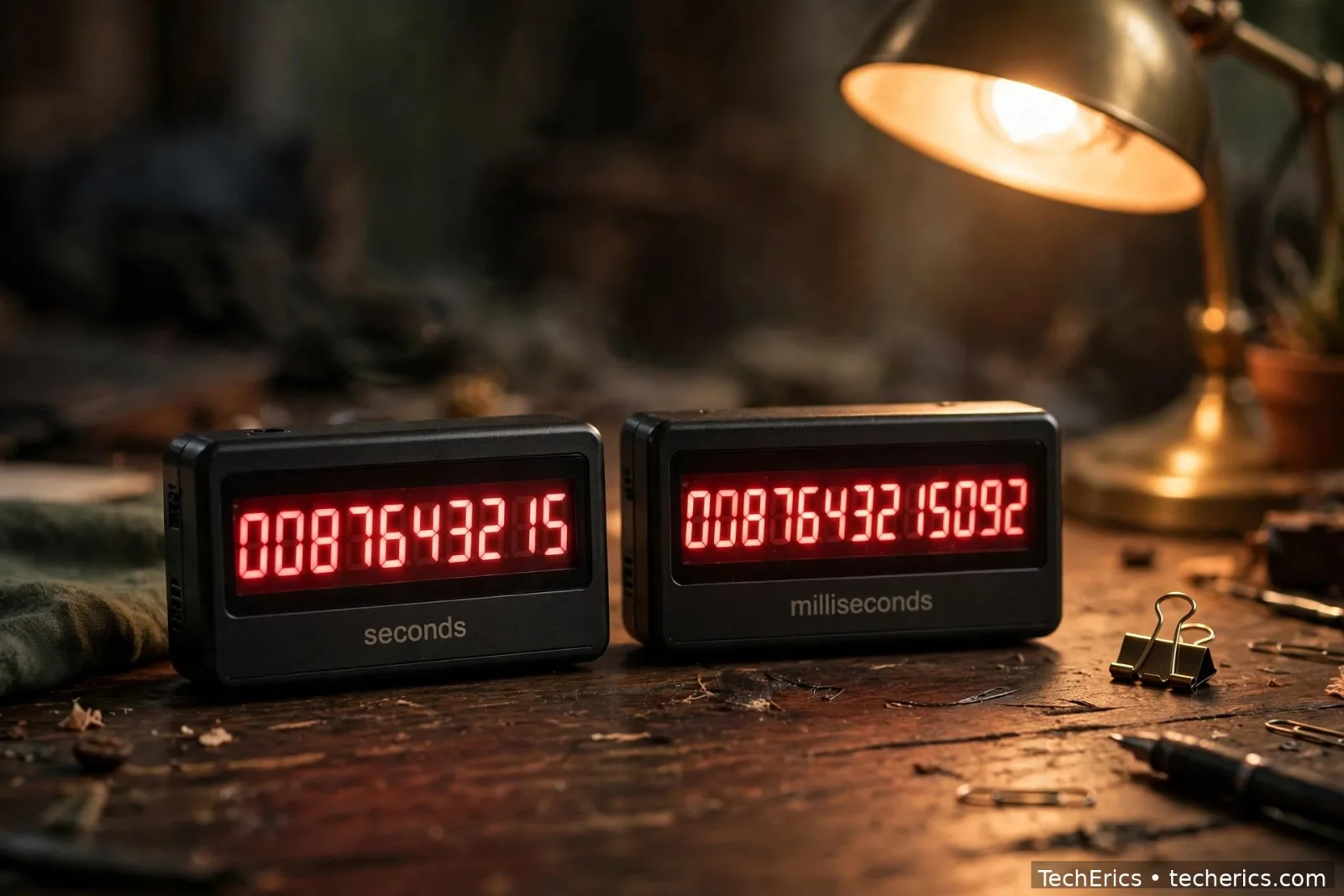
This is the single most common timestamp mistake, and it comes from one fact: different systems count in different units.
- Seconds (10 digits): the classic Unix timestamp.
1700000000— used by PHP'stime(), Python'stime.time()(as a float), MySQL'sUNIX_TIMESTAMP(), and most APIs. - Milliseconds (13 digits): the same instant, multiplied by 1,000.
1700000000000— used by JavaScript'sDate.now()and Java'sSystem.currentTimeMillis(). - Microseconds (16 digits): used by some databases and high-precision logging.
The trap: paste a 13-digit JavaScript timestamp into a tool that expects seconds, and it converts to a date in the year 55,000 or so. Paste a 10-digit timestamp into JavaScript's new Date(1700000000) and you get 20 January 1970 — because JavaScript read it as 1.7 billion milliseconds, barely 20 days after the epoch.
The fix is a one-line rule: count the digits. Ten digits means seconds, thirteen means milliseconds. To convert, multiply or divide by 1,000. The converter handles both, so if a timestamp looks absurdly far in the future or suspiciously close to 1970, check the digit count first — it is almost always the answer.
Time zones: the timestamp never changes, the display does
Here is the part that confuses people most. A timestamp is always in UTC. It has no time zone. But when you display it, you always display it in some time zone — and the same timestamp shows a different clock time in each one.
Take 1700000000 again — 14 November 2023, 22:13:20 UTC. In India (UTC+5:30) that same instant is 15 November 2023, 03:43:20 IST. In New York (UTC−5 in November) it is 14 November 2023, 17:13:20 EST. Three different clock readings, one identical instant.
Two practical rules follow from this:
- Store in UTC, display in local time. Keep timestamps as UTC numbers in your database, and convert to the user's time zone only at the moment you show the date on screen. Storing local time is how you get bugs that only appear twice a year, when daylight saving changes.
- Never add or subtract hours by hand. Time zones are not fixed offsets — daylight saving moves them, and some places change their rules with little notice. Use a proper time zone library (or the converter, which handles the offset for you) instead of adding 5.5 hours in your head.
If two people in different countries compare timestamps, they will always agree. If they compare clock times written on a wall, they will not. That is the whole point of epoch time.
The Year 2038 problem, in plain language
On 19 January 2038 at 03:14:07 UTC, the timestamp 2147483647 ticks over — and on any system that still stores timestamps as a signed 32-bit integer, the next value wraps around to a negative number. The clock jumps backwards to 13 December 1901.
Why 2,147,483,647? A signed 32-bit integer can hold values from −2,147,483,648 to +2,147,483,647. That maximum is the last second the format can represent. It is the same family of bug as the Year 2000 problem, just with a different deadline.
How worried should you be? Less than the headlines suggest, more than zero:
- Modern systems are mostly fine. 64-bit operating systems, current databases and modern languages already store timestamps in 64 bits, which pushes the limit out to the year 292 billion — effectively forever.
- Old embedded systems are the risk. Industrial controllers, old routers, medical devices and legacy file formats that still use 32-bit timestamps are where the real 2038 work sits. If you maintain one of those, the fix is a 64-bit field — and the time to do it is now, not in 2037.
- You can check your own stack today. If your database column is
INTrather thanBIGINT, or your code stores time in a 32-bittime_t, that is the place to look. A quick test: store2147483648and see whether it comes back correct.
The 2038 problem is a good reason to use 64-bit timestamps in anything new you build. It costs nothing today and removes a deadline entirely.
Converting timestamps in code
Most of the time you will not convert by hand — you will do it in code. The patterns are short, and they are worth keeping:
JavaScript — timestamp to date, and back:
// milliseconds! divide seconds by 1000 first
const date = new Date(1700000000 * 1000);
console.log(date.toISOString()); // 2023-11-14T22:13:20.000Z

// now, in milliseconds
const nowMs = Date.now();
const nowSeconds = Math.floor(Date.now() / 1000);
Python — seconds, with time zones done properly:
import time
from datetime import datetime, timezone

now = int(time.time())  # seconds since epoch
dt = datetime.fromtimestamp(1700000000, tz=timezone.utc)
print(dt)  # 2023-11-14 22:13:20+00:00
PHP — the simplest of all:
$now = time(); // seconds since epoch
echo date('Y-m-d H:i:s', 1700000000); // 2023-11-14 22:13:20 (server time zone)
echo gmdate('Y-m-d H:i:s', 1700000000); // same, always in UTC
SQL — inside the database:
SELECT FROM_UNIXTIME(1700000000); -- 2023-11-14 22:13:20
SELECT UNIX_TIMESTAMP('2023-11-14 22:13:20'); -- 1700000000
One caution that applies to every snippet above: check whether your language gives you seconds or milliseconds before you do any maths. JavaScript is the usual surprise — Date.now() is milliseconds, and forgetting the / 1000 is how a date lands in 1970.
5 mistakes to avoid
- Mixing seconds and milliseconds. Count the digits — 10 means seconds, 13 means milliseconds. Divide or multiply by 1,000 to switch.
- Storing local time in the database. Store UTC timestamps; convert to local time only when displaying. Local time breaks around daylight saving changes.
- Adding time zone offsets by hand. Offsets change with daylight saving. Use a time zone library or the converter instead.
- Using 32-bit integers for new timestamps. Use 64-bit (
BIGINT) columns and fields so the Year 2038 problem never touches your code. - Trusting a date string to sort correctly. "9 Jan" sorts after "10 Jan" as text. Timestamps sort as plain numbers, which is always right.
The short version
A Unix timestamp counts the seconds since 1 January 1970, 00:00:00 UTC. It is one number, the same everywhere on Earth, which is why databases, APIs and log files all use it. Ten digits means seconds, thirteen means milliseconds — divide by 1,000 to convert. The timestamp itself never has a time zone; only the display does, so store UTC and convert at the last moment. And if you are building anything new, store it in 64 bits: the 32-bit clock runs out on 19 January 2038, and the fix costs nothing today.
Check any timestamp in seconds with the free Unix Timestamp Converter — paste the number, get the date, or pick a date and get the number back.
Frequently asked questions
What is a Unix timestamp?
A Unix timestamp is the number of seconds since 1 January 1970, 00:00:00 UTC, known as the Unix epoch. It represents one exact instant in time, and it is the same number everywhere in the world at the same moment.
How do I convert a Unix timestamp to a date?
Paste the timestamp into a converter such as the TechErics Unix Timestamp Converter, or in code divide by 1,000 first if it is in milliseconds (JavaScript gives milliseconds) and then convert — for example, new Date(1700000000 * 1000) in JavaScript, or datetime.fromtimestamp(1700000000, tz=timezone.utc) in Python.
What is the difference between seconds and milliseconds in epoch time?
Seconds give a 10-digit timestamp (1700000000), milliseconds give a 13-digit one (1700000000000) for the same instant. JavaScript's Date.now() returns milliseconds; PHP's time() and most APIs return seconds. Multiply or divide by 1,000 to switch between them.
What time zone is a Unix timestamp in?
A timestamp itself has no time zone — it is always counted from UTC. The time zone only appears when the timestamp is displayed: the same timestamp shows 22:13 UTC, 03:43 IST the next morning in India, and 17:13 EST in New York. Store UTC, display local.
What is the Year 2038 problem?
On 19 January 2038 at 03:14:07 UTC, timestamps stored as signed 32-bit integers hit their maximum value (2,147,483,647) and wrap around to negative numbers, jumping the clock back to 1901. Modern 64-bit systems are unaffected; the fix for older systems is to store timestamps in 64 bits.
What is the current Unix timestamp?
It increases by one every second and is about 1.79 billion as of November 2026. You can see the live value on the TechErics Unix Timestamp Converter, which shows the current timestamp ticking in real time.
Why do APIs return timestamps instead of dates?
Because a timestamp is unambiguous: one number, one instant, no time zone confusion and no date-format arguments. Any client can turn it into a local date string in its own time zone, and sorting timestamps is just sorting numbers.